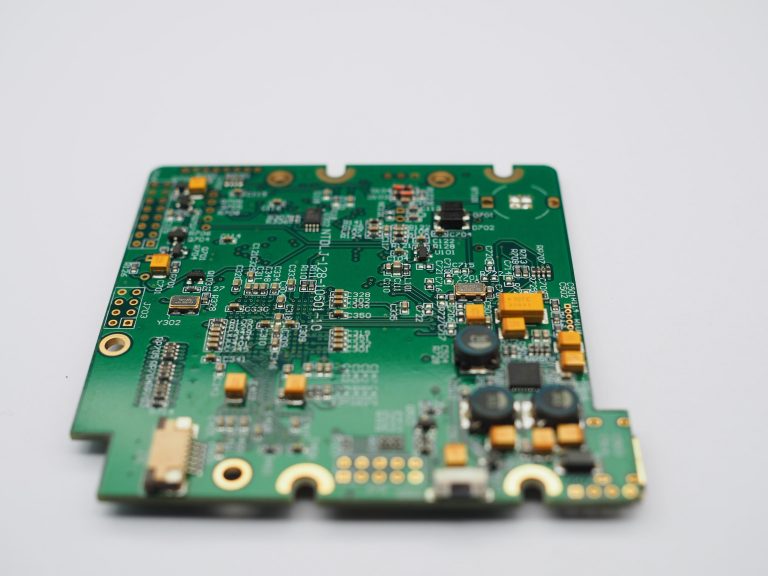
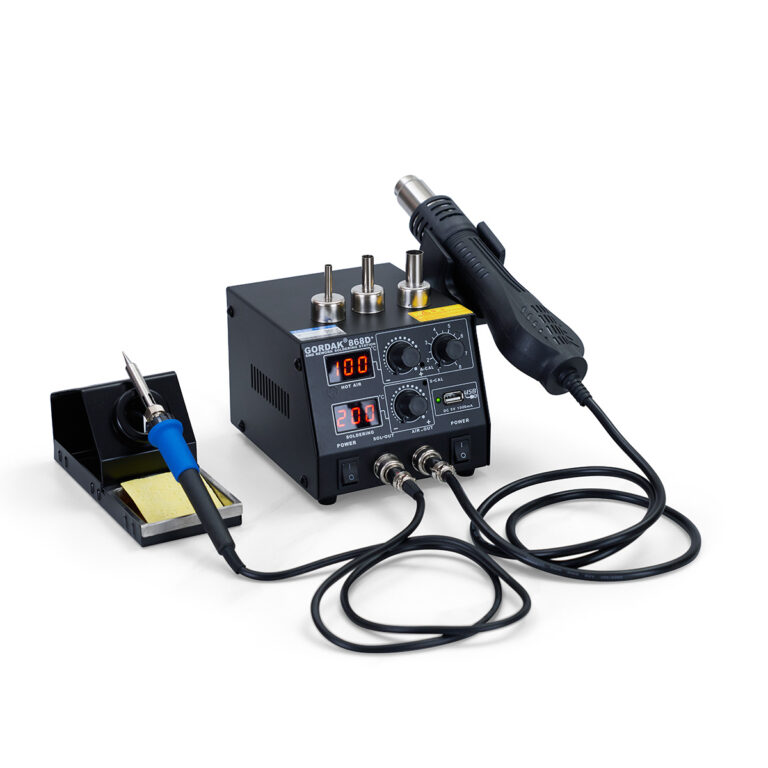
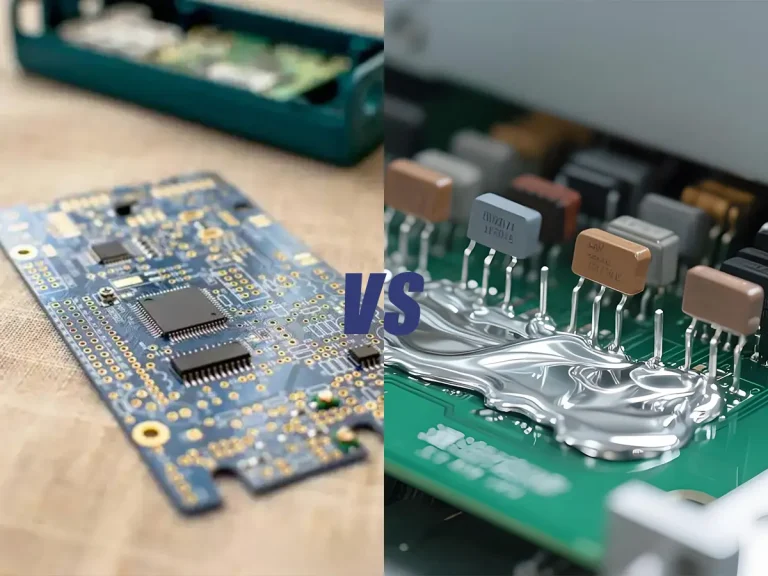
如果烙铁温度过高,可能会损坏PCB焊盘、烧毁元器件、导致烙铁头氧化,并造成焊接质量不佳。安全地降低温度不仅能保护您的项目,还能延长烙铁头的使用寿命。.
本分步指南将向您展示如何正确且安全地降低烙铁的温度。.
为什么温度控制很重要
如果温度过高,您可能会注意到:
- 烧毁或翘起的PCB焊盘
- 助焊剂产生的烟雾过多
- 氧化或发黑的焊头
- 熔化的塑料连接器
- 焊点强度不足或脆化
正确的温度可确保:
- 焊料流动顺畅
- 清理接缝
- 元件保护
- 更长的刀具使用寿命
如何判断烙铁温度是否过高
在降低烙铁温度之前,务必先确认温度设置是否确实过高。.
如果您发现以下情况,说明烙铁可能过热:
- 焊料一接触焊头就会立即熔化
- 助焊剂产生过多烟雾或燃烧过快
- 焊头变黑或迅速氧化
- PCB焊盘受损或翘起
- 塑料连接器或绝缘层开始熔化
- 焊点变得粗糙或不可靠
对于大多数电子维修工作而言,焊接温度通常在300°C至380°C之间,具体取决于焊料的类型和元器件的尺寸。.
使用最高温度设置并不总能提高焊接效果。过高的温度会缩短焊头的使用寿命,并增加损坏敏感元器件的风险。.
步骤 1:检查熨斗是否带有温度调节功能
烙铁主要有两种类型:
1️⃣ 恒温烙铁
这些设备可直接插入电源,通常运行时间在 350°C–450°C 无需调整。.
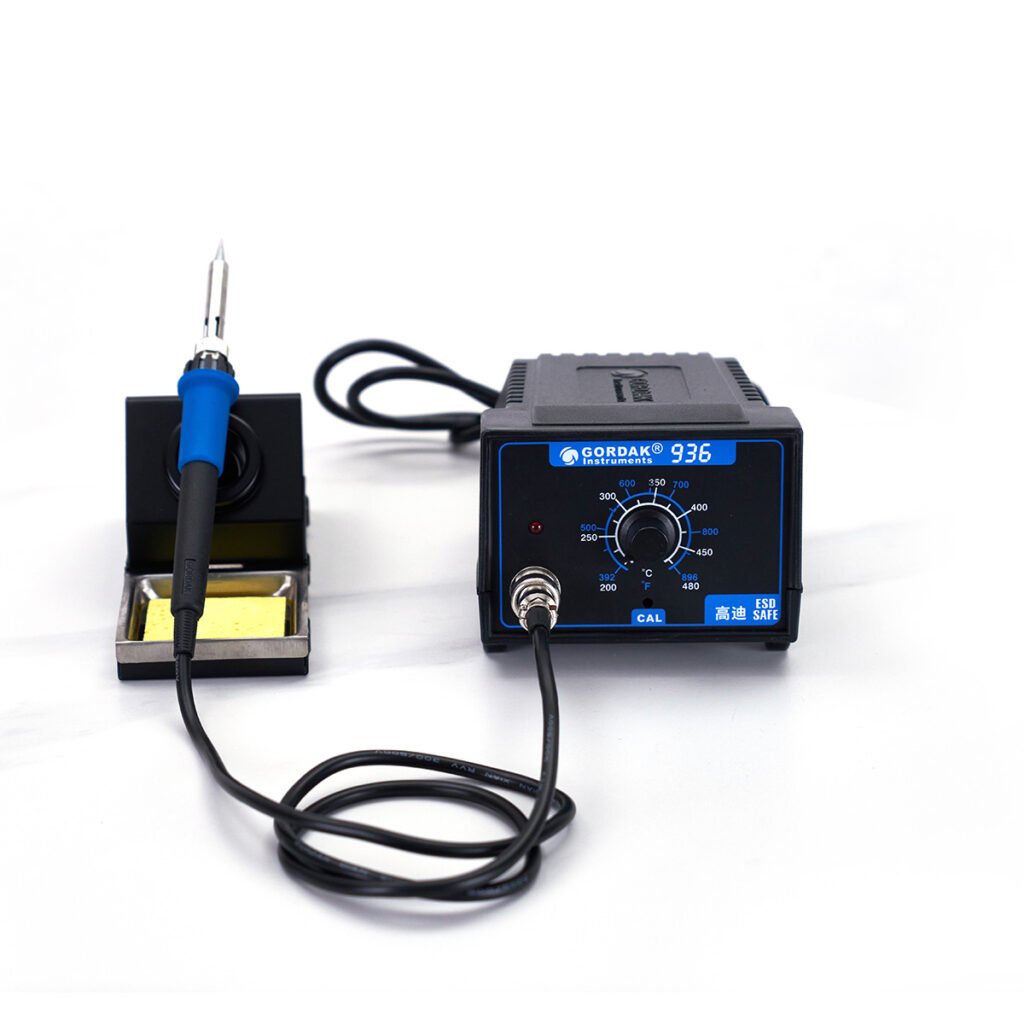
2️⃣ 温控焊台
通过这些功能,您可以使用数字显示屏或旋钮精确设置温度。.
如果您使用的是恒温熨斗,可选方案较为有限(参见下文第 4 步)。.
步骤 2:降低焊台的温度
如果您有带温控功能的工位:
✔ 逐渐调低温度
每次将设定温度降低 10–20°C。.
✔ 等待稳定
请等待10至30秒,让设备稳定下来。.
✔ 在废料上进行测试
在开始制作PCB之前,请先用备用导线或练习板测试焊料的流动性。.
推荐的温度设置
| 应用 | 建议温度 |
|---|---|
| 含铅焊料(Sn63/Pb37) | 320-350°C |
| 无铅焊料 | 350–380°C |
| 小型SMD元器件 | 300–330 °C |
| 大型连接器/接地平面 | 370–400°C |
请勿超过 400°C 除非绝对必要。.
第 3 步:让熨斗自然冷却
如果您需要快速降低温度:
- 将设置调低
- 让熨斗放在熨斗架上冷却
- 请勿将其浸入水中(这会损坏加热元件)
突然冷却可能会导致热冲击,从而使加热芯开裂。.
第 4 步:如果你的熨斗是恒温型的怎么办?
如果您的熨斗没有温度调节功能,请尝试以下方法:
✔ 使用功率控制调光器
外部烙铁电源控制器可降低电压和热量输出。.
✔ 定期拔掉电源插头
在接头之间请将其关闭,以防止过热。.
✔ 升级至温控工作站
这是最安全、最有效的长期解决方案。.
烙铁的最高温度能达到多少?
大多数用于电子产品的烙铁,其温度范围在300°C至450°C之间。.
某些高温焊接工具的温度可能会超过这个范围,但电子设备维修很少需要极高的温度。.
烙铁的温度过高可能会导致:
- 笔尖氧化速度加快
- 烧结助熔剂
- 受损的PCB焊盘
- 元器件可靠性降低
这就是为什么在电子维修工作中,人们更倾向于使用温控焊台。它们允许用户根据不同的焊接任务调节温度,而不是始终保持固定的高温。.
第 5 步:保养焊头
高温会加速尖端氧化。.
为保护您的小费:
- 保持其镀锡状态(涂有焊料)
- 请使用黄铜丝球代替湿海绵
- 空转时温度较低
- 长时间休息时请关闭收音机
正确的维护可确保即使在较低温度下,热传递也能保持高效。.
表明你的温度现在正确的迹象
当出现以下情况时,你就知道温度合适了:
- 焊料会在1–2秒内顺利熔化
- 助焊剂点火时不会产生过多烟雾
- 焊点看起来有光泽(含铅焊料)
- 护垫不会变色
- 部件仍完好无损
应避免的常见错误
❌ 设定温度过低(会导致冷焊)
❌ 始终使用最高温度
❌ 将喷嘴浸入水中冷却
❌ 忽视氧化沉积物
❌ 温度与焊料类型不匹配
为什么恒温站更安全
在处理以下情况时,温度稳定性尤为重要:
- SMD元器件
- 多层印制电路板
- 细间距集成电路
- 热敏连接器
一款高品质的焊接工作站能够保持精确且稳定的热输出,从而降低风险并提高焊接质量。.
专业制造商设计的工作站具备先进的温度控制、快速热恢复以及防静电(ESD)保护功能,以满足现代电子行业的需求。.
温度控制如何有助于防止过热
恒温焊台是防止烙铁过热的最简单方法之一。.
与恒温熨斗不同,温控熨烫台可让用户:
- 根据不同焊料类型调整温度
- 减少不必要的热暴露
- 焊接过程中应保持温度稳定
- 保护敏感的电子元件
无论对于初学者还是专业技术人员而言,精确的温度控制都能提高焊接的一致性,并降低因过热而造成损坏的风险。.
最终想法
安全地降低烙铁温度很简单——但很重要。.
- 确定您的铁杆类型
- 逐渐降低温度
- 确保充分冷却
- 根据焊料类型选择合适的温度
- 请定期保养您的笔尖
使用正确的温度可以提高焊接质量、保护元器件并延长工具的使用寿命。.
如果您经常进行焊接,或者从事专业的电子项目,投资购买一台带温度控制功能的焊台,不仅能让您更好地掌控焊接过程,还能确保操作更安全,并获得稳定的焊接效果。.
如有其他问题,请通过以下方式联系我们: info@gordakelec.com.