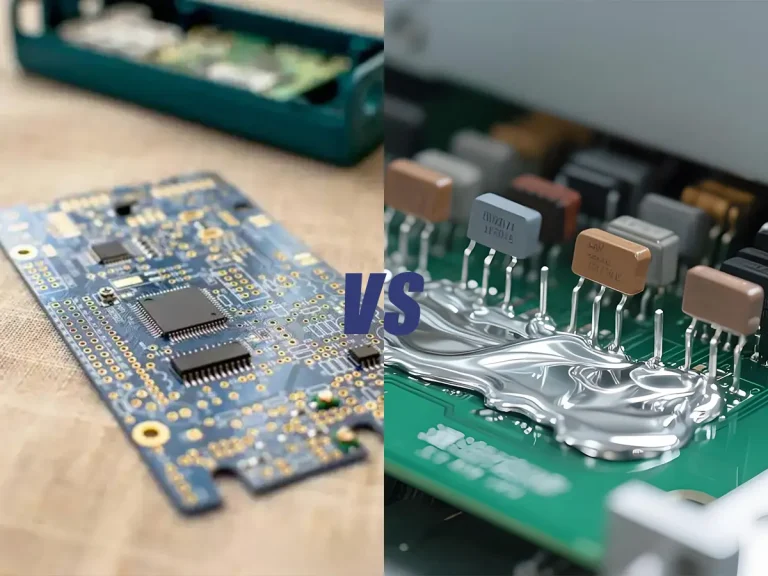
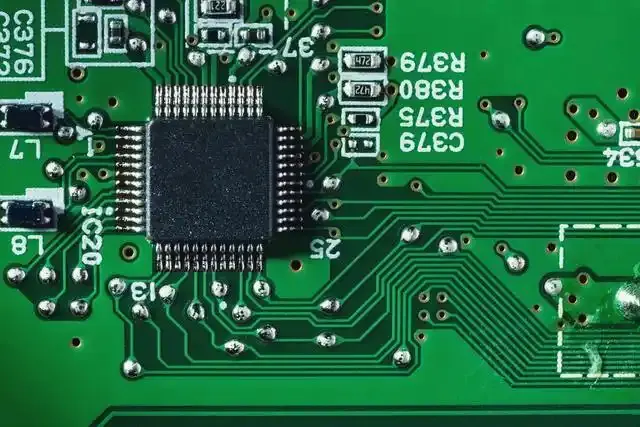
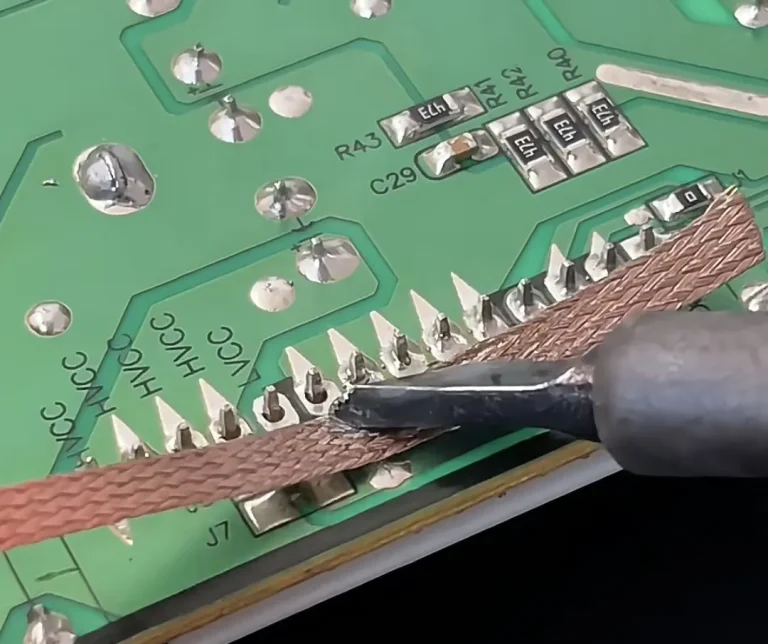
In every electronic station, a soldering rework station happens to be one of the key tools you need for a perfect job. When building a circuit board, certain things may go wrong. To correct it easily, a quality soldering rework station must be in handy.
How does this tool work? Well, the working principles are not complex. It is easy to go about it. without any delay, let’s dive straight into how this tool works. In the end, you will be able to use it successfully.
What Is a Hot Air Rework Station?
A hot air rework station is an electronic repair tool that uses a controlled stream of heated air to melt solder and rework surface-mount components on a PCB. Unlike a traditional soldering iron, which transfers heat through direct contact, a hot air rework station heats the soldered area without touching the component or solder joint with the tip.
A typical hot air rework station consists of a control unit, heating element, hot air gun, airflow control, temperature control, and interchangeable nozzles. By adjusting temperature and airflow, users can apply heat to specific areas of a circuit board for soldering, desoldering, component removal, and rework.
Hot air rework stations are particularly useful for SMD components, multi-pin ICs, connectors, and other components where heating multiple solder joints at the same time is necessary.
How Does a Hot Air Rework Station Work?
A hot air rework station works by heating air with an internal heating element and directing the heated airflow through a nozzle toward the target area. The combination of temperature, airflow, nozzle size, and heating distance determines how quickly and evenly heat reaches the solder joint.
The basic working process is:
Heating element → Heated air → Nozzle → PCB and solder joint → Solder melts
Temperature controls how hot the air becomes, while airflow controls how much heated air reaches the work area. Both settings need to be adjusted according to the component, solder, PCB, and nozzle being used.
When the solder reaches its melting point, the component can be removed, repositioned, or reflowed. The nozzle should be moved in a controlled manner rather than concentrating hot air on one small area for too long. This helps reduce the risk of overheating the PCB or nearby components.
What Can You Use a Hot Air Rework Station For?
A hot air rework station is mainly used for soldering, desoldering, and reworking electronic components. Because it heats an area without direct contact, it is especially useful for surface-mount components and multi-pin packages.
Common applications include:
- Removing SMD components from a PCB
- Reflowing SMD solder joints
- Soldering surface-mount components
- Removing and replacing multi-pin ICs
- Reworking connectors and other densely mounted components
- Repairing solder bridges and soldering defects
- Reheating solder during PCB repair
- Shrinking heat-shrink tubing with suitable temperature and airflow settings
For simple single-point joints, a soldering iron may provide better precision. For components with multiple solder joints or limited physical access, a hot air rework station can provide more uniform heating.
Hot Air Rework Station Components
Understanding the main parts of a hot air rework station makes it easier to adjust the equipment correctly.
Temperature Control
The temperature control sets the target temperature of the heated air. Different solder alloys, components, and PCB applications may require different temperature settings.
Airflow Control
The airflow control determines how much heated air is delivered through the nozzle. Lower airflow is generally easier to control when working with small components, while larger components may require more airflow.
Hot Air Gun
The hot air gun contains the heating and airflow path and directs heated air toward the work area. Keep the gun moving during rework instead of concentrating heat on one location for an extended period.
Nozzles
Interchangeable nozzles help control the size and concentration of the heated airflow. Select a nozzle that matches the component and the area being reworked.
Heating Element
The heating element raises the air to the selected temperature. A stable heating system helps maintain consistent performance during repeated soldering and rework operations.
How to Choose the Right Nozzle
Choosing the correct nozzle can make hot air soldering and rework more controlled and efficient.
As a general guideline:
| Nozzle Type | Typical Application |
|---|---|
| Small nozzle | Small SMD components and localized heating |
| Medium nozzle | General-purpose SMD rework |
| Large nozzle | Larger components and wider heating areas |
| Specialized nozzle | Specific IC packages or dedicated rework applications |
The nozzle should be large enough to provide sufficient heat coverage but not so large that it unnecessarily heats surrounding components.
A very small nozzle can concentrate heat too aggressively, while an oversized nozzle may heat nearby components that you do not intend to rework. Select the nozzle according to the component size, package type, PCB layout, and required heating area.
How to Set Temperature and Airflow
Temperature and airflow should be adjusted together. Increasing the temperature is not always the best way to make solder melt faster. Excessive heat or airflow can damage the PCB, move nearby components, or shorten the life of the hot air nozzle and heating element.
Temperature
The appropriate temperature depends on the solder alloy, component, PCB, nozzle, and application. Leaded and lead-free solder may require different working temperatures, so always consider the solder manufacturer’s recommendations when available.
As a general starting point for electronics rework:
- Leaded solder: approximately 280–350°C
- Lead-free solder: approximately 320–380°C
These are starting ranges rather than universal settings. Actual working temperature may need to be adjusted according to the board and component.
Airflow
Airflow controls the amount of heated air reaching the work area.
Use lower airflow when working with:
- Small SMD components
- Lightweight components
- Fine-pitch ICs
- Densely populated PCBs
Higher airflow may be useful for:
- Larger components
- Larger heating areas
- Components with greater thermal mass
Too much airflow can move or blow away small components before the solder has fully reflowed.
Nozzle Distance
Keep a controlled distance between the nozzle and the PCB. The appropriate distance depends on the nozzle size, airflow, temperature, and component being reworked.
Avoid placing the nozzle directly against the PCB. Move the hot air gun smoothly around the target area to distribute heat rather than concentrating it on one point.
How to work with Hot Air Soldering Rework Station
The following steps will help you to use this tool to work on your project effectively.
1. Select Your Nozzle
The first step is to select a suitable tip for the project. Fix the nozzles to the wand. Use a screwdriver to tighten the screw so that it will hold it properly. Plug the tools into the power outlet. The blower and the heating element should be off until you switch it ON using the flip.
2. ON the Power to Heat the Element
Flip the switch to ON the workstation. This will cause the element to become hot very fast. Thus, be ready for the nozzle as fast as possible. The red LED light close to the “SET TEMP” will indicate the readiness of the hot-air station for use.
3. Temperature and Air Adjustment
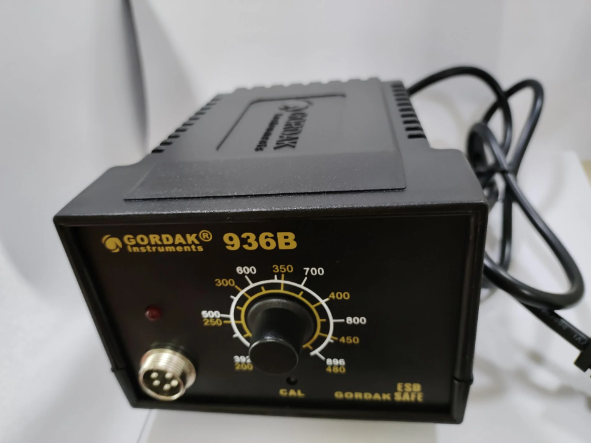
We have two control knobs for the regulation of temperature and airflow. Use the knobs to adjust the temperature and airflow to meet the level you want to use for the project.
4. Apply Hot Air to the Target Area
Once the temperature and airflow are set, position the nozzle above the component or solder joint.
Start by heating the surrounding area gradually rather than immediately concentrating maximum heat on the component. Move the nozzle slowly in small circular or controlled back-and-forth motions to distribute heat evenly.
As the solder approaches its melting point, it will become visibly molten. At this stage, use ESD-safe tweezers or another suitable tool to remove or reposition the component if necessary.
Never force a component away from the PCB while the solder is still solid. If the component does not move easily, continue heating the joint evenly rather than applying mechanical force.
5. Cool Down
Once you finish the soldering of the component, flip OFF the power to cool down the workstation. The good thing is that the self-cooling will start to begin. It will last for a short time.
6. Cleaning of the Board
Now that you finish your work, wash the board to remove the flux that fell on the board. It may cause corrosion if it is left unwashed.
How to Remove SMD Components With a Hot Air Rework Station
Hot air rework is particularly useful for removing SMD components with multiple solder joints.
Follow these steps:
- Turn off power to the PCB and secure the board on a stable, heat-resistant surface.
- Apply an appropriate amount of flux around the component if required.
- Select a nozzle that provides suitable coverage for the component.
- Set an appropriate temperature and moderate airflow.
- Preheat the area gradually with controlled nozzle movement.
- Continue heating until the solder becomes fully molten.
- Use ESD-safe tweezers or a vacuum pickup tool to lift the component gently.
- Remove the hot air and allow the PCB to cool.
- Clean the pads and remove excess solder before installing the replacement component.
Never pull or pry a component from the PCB while the solder remains solid. Mechanical force can lift PCB pads or damage traces.
How to Solder SMD Components With Hot Air
A hot air rework station can also be used to solder or reflow SMD components when solder paste is applied correctly.
Basic Process
- Clean the PCB pads and remove contamination.
- Apply a suitable amount of solder paste to the pads.
- Position the SMD component accurately.
- Select a nozzle that provides appropriate heat coverage.
- Set the temperature and airflow according to the solder and component.
- Heat the area gradually while moving the nozzle in a controlled pattern.
- Watch the solder paste as it melts and forms the solder joints.
- Remove the heat once the solder has properly reflowed.
- Allow the board to cool naturally.
- Inspect the component alignment and solder joints.
Avoid applying excessive solder paste. Too much paste can increase the risk of solder bridges, while insufficient paste may result in incomplete or weak solder joints.
Hot Air Rework Station vs. Soldering Iron
A hot air rework station and a soldering iron are designed for different types of soldering work. Neither tool is a universal replacement for the other.
| Application | Soldering Iron | Hot Air Rework Station |
|---|---|---|
| Single solder joint | Excellent | Good |
| Wire soldering | Excellent | Limited |
| Through-hole components | Excellent | Limited |
| Small SMD components | Good | Excellent |
| Multi-pin IC removal | Limited | Excellent |
| SMD rework | Good | Excellent |
| Heating multiple solder joints | Limited | Excellent |
| Precise point heating | Excellent | Good |
| Contact-free heating | No | Yes |
For basic wire and through-hole soldering, a soldering iron is usually the more practical choice. For SMD component removal, multi-pin IC rework, and applications that require simultaneous heating of multiple solder joints, a hot air rework station is often more suitable.
For repair technicians who handle different types of electronic work, combining a soldering iron with a hot air rework station provides greater flexibility.
Safety Measures to Observe When Using Soldering Rework Station
To protect yourself from injury, it is essential to take precautions. The following tips will help you to protect yourself and prevent board damage. The tips are:
1. Endeavor to wear a protective kit that protects your eye and hand while working.
2. Ensure to use a silicone mat to protect the workbench or table from heat damage.
3. Avoid pressing the nuzzle very deep into the surface of the workpiece.
4. Ensure there is no blockage to the air inlet to prevent overheating of the device.
5. Connect the plug directly to the socket instead of using an extension cord.
Purchase Quality Soldering Rework Station from Us
When you use a quality soldering rework station to solder the circuit board, the difference is clear.
As a reputable manufacturer, we produce quality products that meet the needs of our clients. Kindly contact us for your tools now. Click here to view our products.
Two-in-One & Hot Air Stations
Beginner’s Guide to Two-in-One Hot Air Rework and Soldering Stations
Two-in-One Rework Stations for Hobbyists vs. Professionals: What’s the Difference?
What to Look for When Buying a Two-in-One Soldering Station
Hot Air Soldering Station vs. Soldering Iron – Which One Should You Choose?
Hot Air Rework Station vs Desoldering Station
Hot Air Rework Station Vs Heat Gun
How to Use a Hot Air Rework Station
How To Use Hot Air Soldering Rework Station
Things To Consider Before Purchasing The Best Hot Air Rework Station