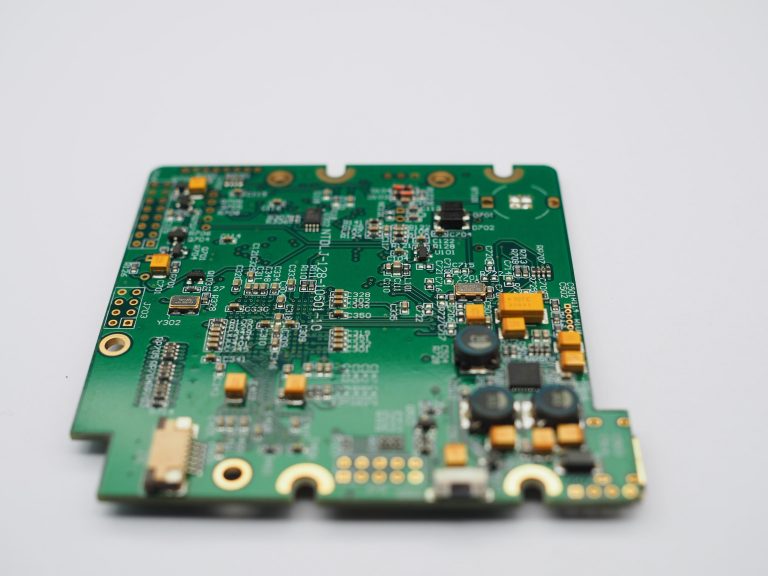
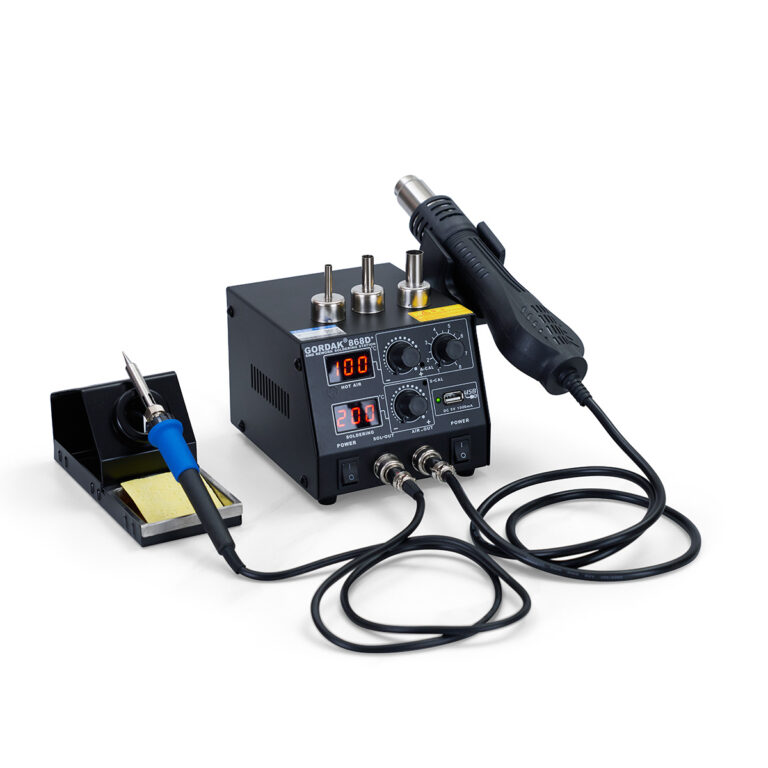
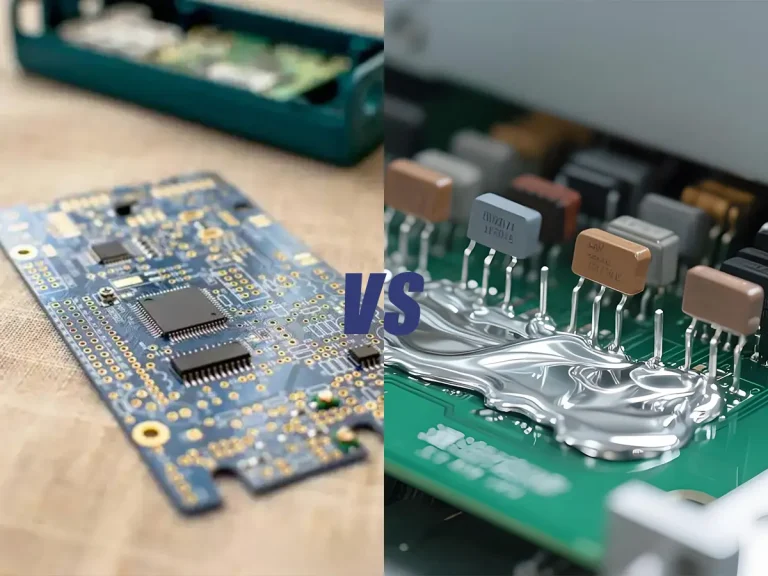
Soldering is the foundation of modern electronics assembly and repair. Whether you are connecting components to a circuit board, fixing broken wires, or working on SMD parts, mastering the soldering process is essential. This guide will walk you through the step-by-step soldering process, helping beginners and hobbyists build confidence while ensuring professional-quality results.
Step 1: Gather the Necessary Tools and Materials
Before starting, prepare your soldering kit:
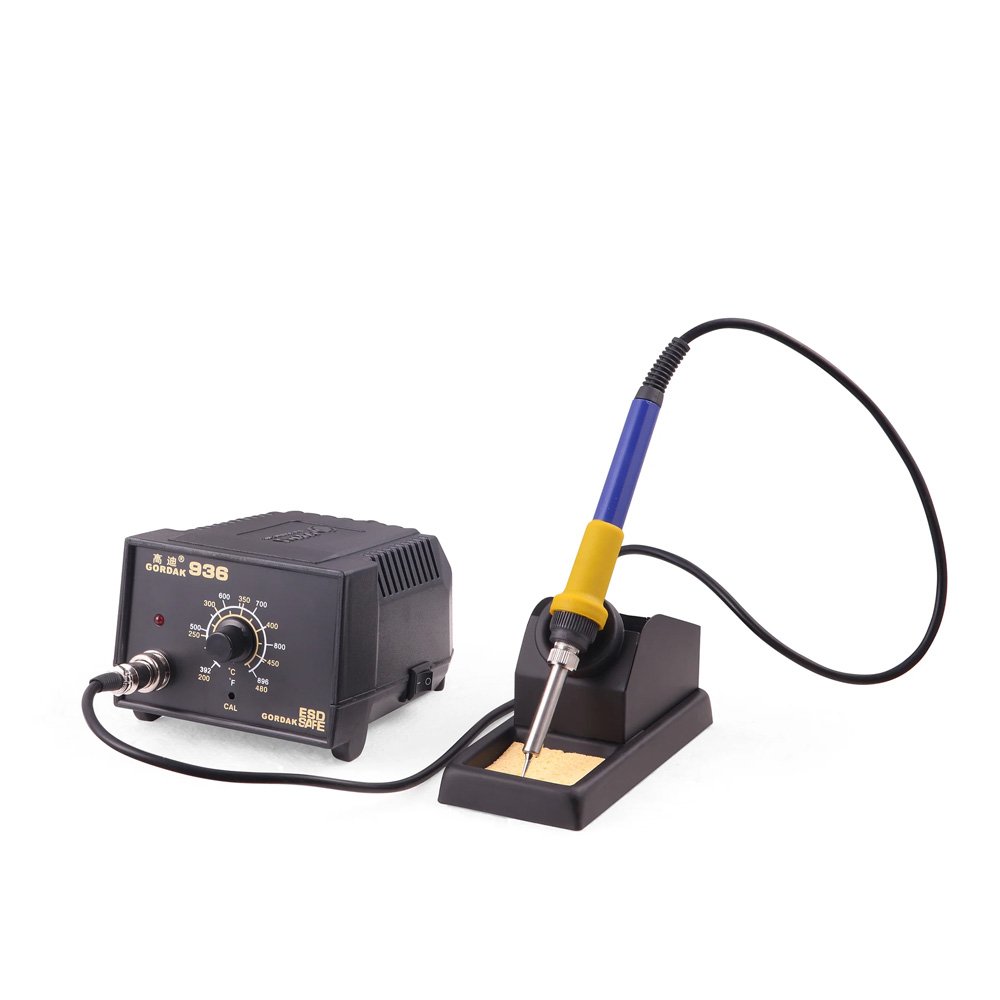
- Soldering station or iron with the right tip
- Solder wire (leaded or lead-free, flux core recommended)
- Flux (liquid, paste, or pen)
- PCB or components to solder
- Tweezers and cutters
- Desoldering tools (braid or pump)
- Safety gear (fume extractor, heat-resistant mat, ESD strap)
Step 2: Prepare the Components and Work Area
- Clean the PCB pads to remove oxidation or residue.
- Position components correctly and secure the board with a PCB holder or “third hand.”
- Ensure the workspace is well-lit and ventilated.
Soldering Different Types of Components
The soldering process may vary depending on the component type.
Through-hole components usually have leads inserted through PCB holes and are easier for beginners because the components are mechanically supported by the board.
SMD components are mounted directly on the PCB surface and require more precise handling because of their smaller size and closer pad spacing.
While the basic principles remain the same, SMD soldering often requires:
- Fine soldering tips
- Tweezers
- Magnification
- Better temperature control
- More precise solder application
Step 3: Heat the Joint
- Set the soldering station to the appropriate temperature (typically 320°C–370°C for leaded solder, slightly higher for lead-free).
- Place the heated soldering tip against both the component lead and the PCB pad for a few seconds.
- Avoid touching plastic parts to prevent damage.
Why Flux Is Important During Soldering
Flux plays an important role in creating reliable solder joints by removing surface oxides and improving solder wetting.
During soldering, oxidation can prevent solder from flowing properly across the metal surfaces. Flux helps the solder bond with the PCB pad and component lead more effectively.
Using the correct amount of flux can help:
- Improve solder flow
- Reduce oxidation
- Create stronger electrical connections
- Reduce soldering defects
Too much flux is not always better. Excess residue should be cleaned when required, especially in applications where long-term reliability is important.
Why Temperature Control Matters
The correct soldering temperature allows solder to melt and flow properly while preventing unnecessary heat damage.
Temperature selection depends on:
- Solder alloy
- PCB thickness
- Component size
- Thermal mass of the board
- Soldering tip size
Using excessive heat does not always improve soldering results. Poor heat transfer, insufficient flux, or an unsuitable tip size can also prevent proper solder flow.
Step 4: Apply the Solder
- Feed solder wire into the heated joint—not directly onto the tip.
- Allow solder to melt and flow around the connection.
- Remove the solder wire first, then the iron.
- A good joint should look shiny, smooth, and slightly concave.
Step 5: Inspect the Joint
Check for:
- Cold joints (dull or cracked appearance)
- Bridging (excess solder connecting two pads)
- Insufficient solder (weak connection)
Reheat or rework the joint if necessary.
What Does a Good Solder Joint Look Like?
A reliable solder joint should have proper wetting between the solder, component lead, and PCB pad. The solder should smoothly cover the connection area without excessive buildup.
A good solder joint usually has:
- Smooth and consistent solder coverage
- Good contact between solder and metal surfaces
- A slightly concave shape
- No cracks, gaps, or unexpected movement
A shiny appearance is often associated with good solder flow, but surface appearance alone is not always enough to judge reliability. Proper wetting and mechanical connection are the most important factors.
Step 6: Clean the Board
- Use isopropyl alcohol and a brush to remove excess flux.
- This improves reliability and prevents corrosion over time.
Step 7: Power On and Test
- After soldering, test the circuit for continuity and functionality.
- Ensure there are no shorts before applying full power.
Common Soldering Problems and How to Fix Them
Even with correct soldering steps, beginners may encounter problems caused by heat control, solder amount, or surface conditions.
Solder Does Not Stick
If solder does not flow onto the joint, possible causes include:
- Oxidized soldering tip
- Dirty PCB pads
- Insufficient flux
- Incorrect temperature
Cleaning the tip, applying flux, and improving heat transfer usually solve this issue.
Cold Solder Joint
A cold solder joint occurs when solder does not properly bond with the metal surfaces.
Common causes include:
- Insufficient heating
- Moving the joint before cooling
- Poor solder wetting
Reheating the connection with proper flux can help restore the joint.
Solder Bridges
A solder bridge happens when excess solder connects two nearby pads or leads.
To fix it:
- Apply flux
- Remove excess solder with solder wick
- Reinspect the connection
Safety Tips
- Always use a fume extractor or fan.
- Never cool the soldering iron in water—it damages the tip.
- Keep your tools tinned and clean for longer life.
Conclusion
The soldering process may seem intimidating at first, but with the right tools, preparation, and practice, anyone can create reliable and professional solder joints. By following these steps, you can confidently tackle PCB assembly, electronics repair, and DIY projects.
About GORDAK
With over 30 years of industry experience, GORDAK is a trusted name in soldering and rework equipment. Offering precision-controlled soldering stations, hot air rework systems, and high-quality soldering tips, GORDAK ensures users achieve perfect results in both SMD and through-hole applications. Known for reliability and affordability, GORDAK products are trusted worldwide by electronics professionals and educators alike.
Contact us: info@gordakelec.com
Soldering Basics & Tutorials
A Step-by-Step Guide to the Soldering Process
An Introduction to SMD Soldering Techniques
A Beginner’s Guide to SMD Soldering
DIY PCB Soldering: Tools, Tips, and Techniques
How to Use a Soldering Iron – A Beginner’s Guide
Essential Tools and Supplies for Soldering Beginners
Essential Electronics Soldering Tips and Tricks for Beginners
Essential Tools for Soldering Circuit Boards
The Importance of Soldering in Electronics